Skip to content
Prodbyrenno

Visualizer suite

Lantern™

See your sound.

Twenty-four high-end visualizers along the bottom of your DAW: spectrograms, 3D landscapes, liquid chrome, a phosphor TV, your melody as notes. Plus a mix grade and a transpose for when you need them.

$29.99Coming soon
  • VST3 · macOS
  • VST3 · Windows 10/11
  • AU · macOS

What it does

Watch it

01

Twenty-four built in

Every built-in visualizer, all moving to the same song. Turn the sound on to hear what they're seeing, and tap any one to see it big.

  • 24 visuals
  • up to 6 panels
  • pop-out windows

All 24, live · one song · real renders

  • Liquid ChromeNew · clip soon
  • Particle SculptureNew · clip soon
  • InkNew · clip soon
  • InfectedNew · clip soon

02

Your screen, your lineup

Lantern runs along the bottom of your DAW. Run up to six visuals at once, start from one of 12 ready-made lineups or build your own, and pop any panel out into its own window, as big as your screen.

  • up to 6 panels
  • 12 lineups + your own
  • pop-out windows
Lantern's full strip in its walnut hardware look: spectrum, Phosphor TV, Afterglow, transpose and the mix monitor

Make your own

03

Invent a new visualizer in one click

Lantern ships with twenty-four visualizers. The Lab makes more: stack up to four layers, pick what each one hears and what moves it, hit CONJURE, and it builds one that has never existed, with effects from a rack of 85 and a name to match. Don't like it? Hit it again, or Nudge it.

  • new every click
  • 85 effects · 13 Looks
  • save to My Visuals
  1. Step 1

    Pick what it hears

    Stack up to four layers and choose what each one listens to: kick, snare, hats, 808, melody or air. Then decide what moves it, from drops and builds to the quiet parts.

  2. Step 2

    Hit CONJURE

    Lantern picks a recipe, fuses your layers with effects like trails, bloom, glitch and print, and gives it a name. Turn up Wildness for more chaos. Every click is a new one.

  3. Step 3

    Keep the keepers

    Save the ones you love to My Visuals and use them like the built-in ones, in any panel or pop-out window. Start from one of 13 Looks, or save your own.

1 / 18

From My Visuals · made in the Lab

All 18 visuals were made in Lantern’s Lab and kept in My Visuals, recorded from the real plugin. Hit CONJURE and the next one is yours.

From your notes

Note visuals

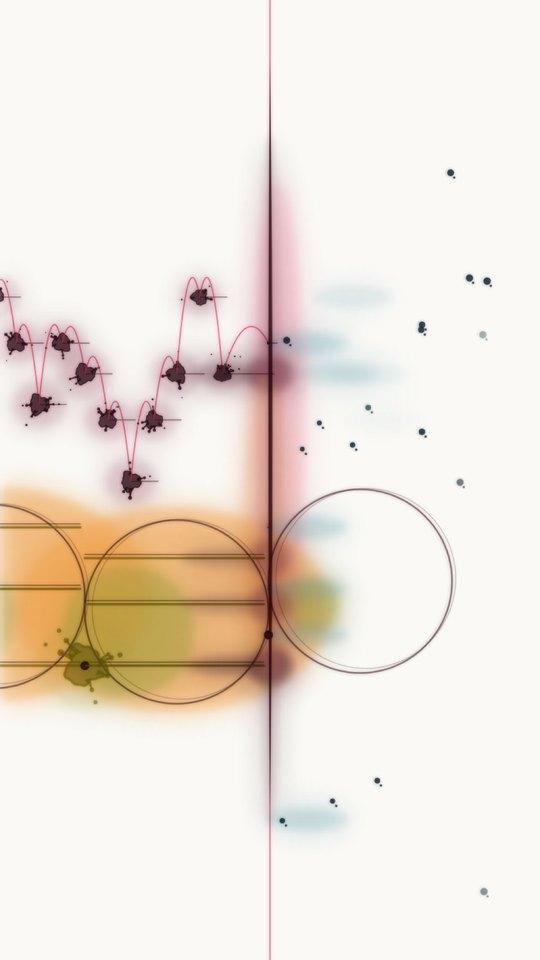
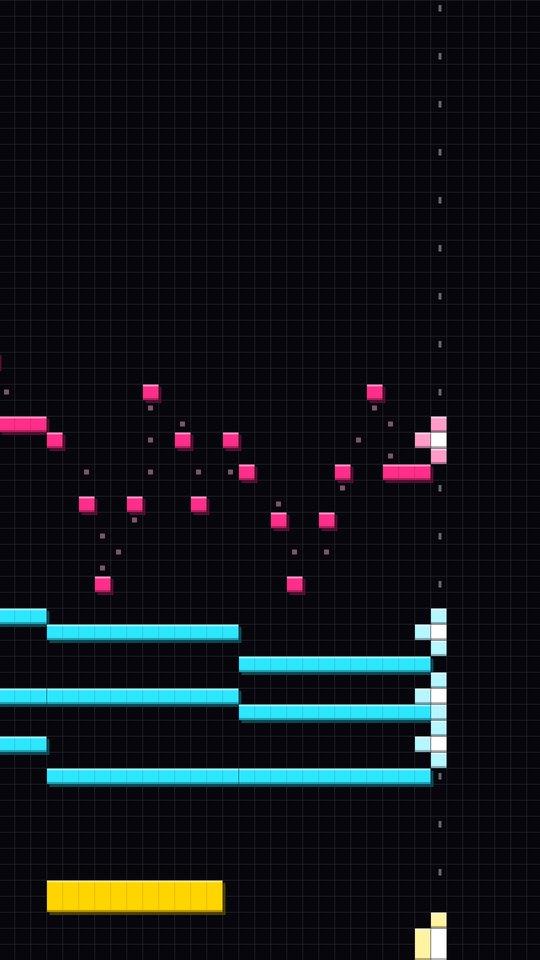
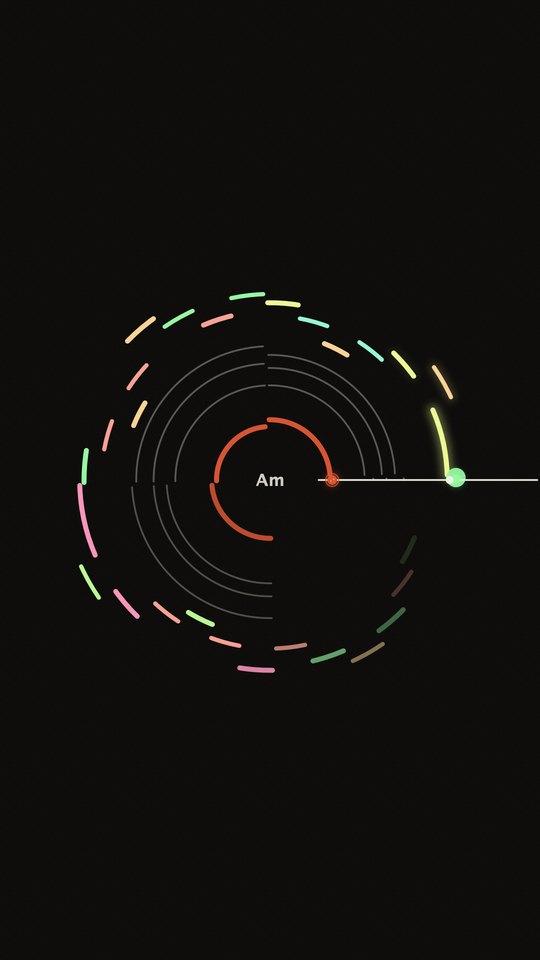
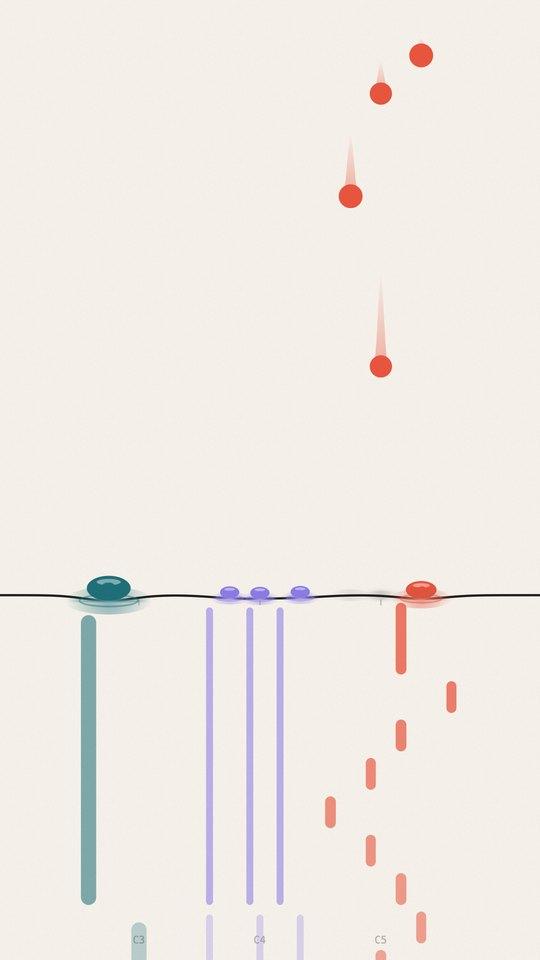
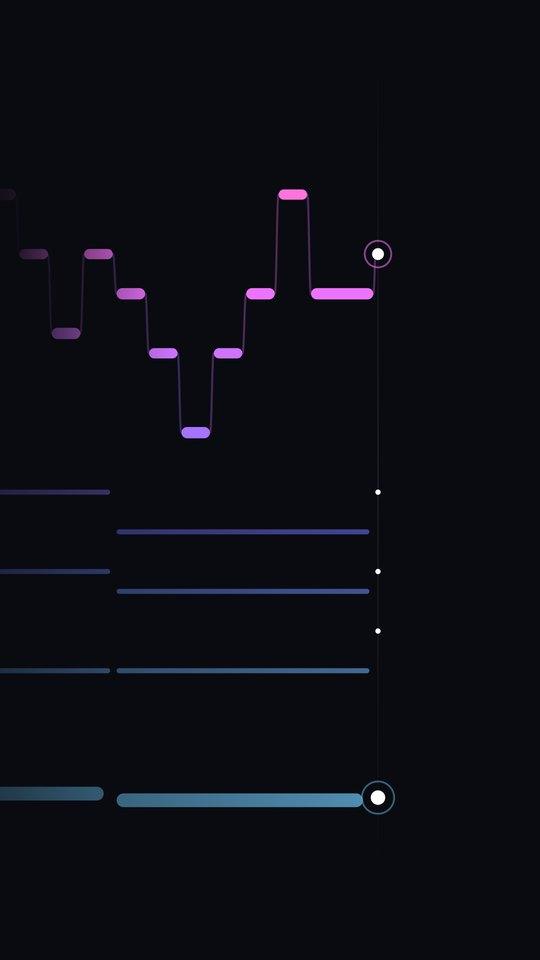
Most visualizers react to the sound. These follow your notes: every note you play draws itself, so a melody becomes a picture. Play live on a MIDI keyboard, follow FL's piano roll, or drop in a MIDI clip. Five looks, in tall frames made for phone videos of your melodies, and any of them can be a layer in the Lab.

  • Lantern's Ink Score note visual

    Ink Score

  • Lantern's 8-Bit Roll note visual

    8-Bit Roll

  • Lantern's Vinyl note visual

    Vinyl

  • Lantern's Fall Line note visual

    Fall Line

  • Lantern's Ribbon note visual

    Ribbon

Bonus tools

Lantern's notes and key display

Key + 808 note

Key + 808 note

Lantern reads the key of what's playing and the exact note of your 808, so you can tune it without guessing.

  • key detection
  • 808 note
Lantern's MIX MONITOR showing loudness, fullness and a list of tips

Mix grade

Mix grade

Open the MIX MONITOR for a loudness and tonal-balance grade against your style or a reference track, with plain tips like 'low-mids are 3 dB heavy'.

  • BS.1770 loudness
  • 5 style targets
  • your own reference
Lantern's TRANSPOSE strip

TRANSPOSE

TRANSPOSE

Shift a sample up to 12 semitones either way, with a natural-vocal formant mode. At 0 the audio passes through untouched.

  • ±12 semitones
  • formant mode
  • bit-exact at 0

Specs

  • macOS 11+ (Apple Silicon or Intel), or Windows 10/11 64-bit
  • Any VST3 host (FL Studio, Ableton Live, Studio One, Bitwig, Reaper, Cubase), or Logic Pro / GarageBand on Mac (AU)
  • No internet needed: paste your key once and it works offline
  • Zero latency, bit-exact pass-through (TRANSPOSE adds latency only while in use)

FAQ

Are the grades a substitute for my ears?

No, they're a second opinion. The style targets are starting points. Capture a reference you trust and Lantern grades against that instead.

Does it change my audio?

No. Lantern is bit-exact pass-through unless you use TRANSPOSE.

How heavy is it on CPU?

You can cap the frame rate in the menu. At lower rates it's very light. All drawing happens off the audio thread.

Your next session

Lantern is coming soon.

The plugins launch soon. Leave your email and we'll tell you the day they're out. Pay once and it’s yours, no subscription.

$29.99Coming soon